Posted on

Robot Vacuum or Cordless Stick? How to Choose

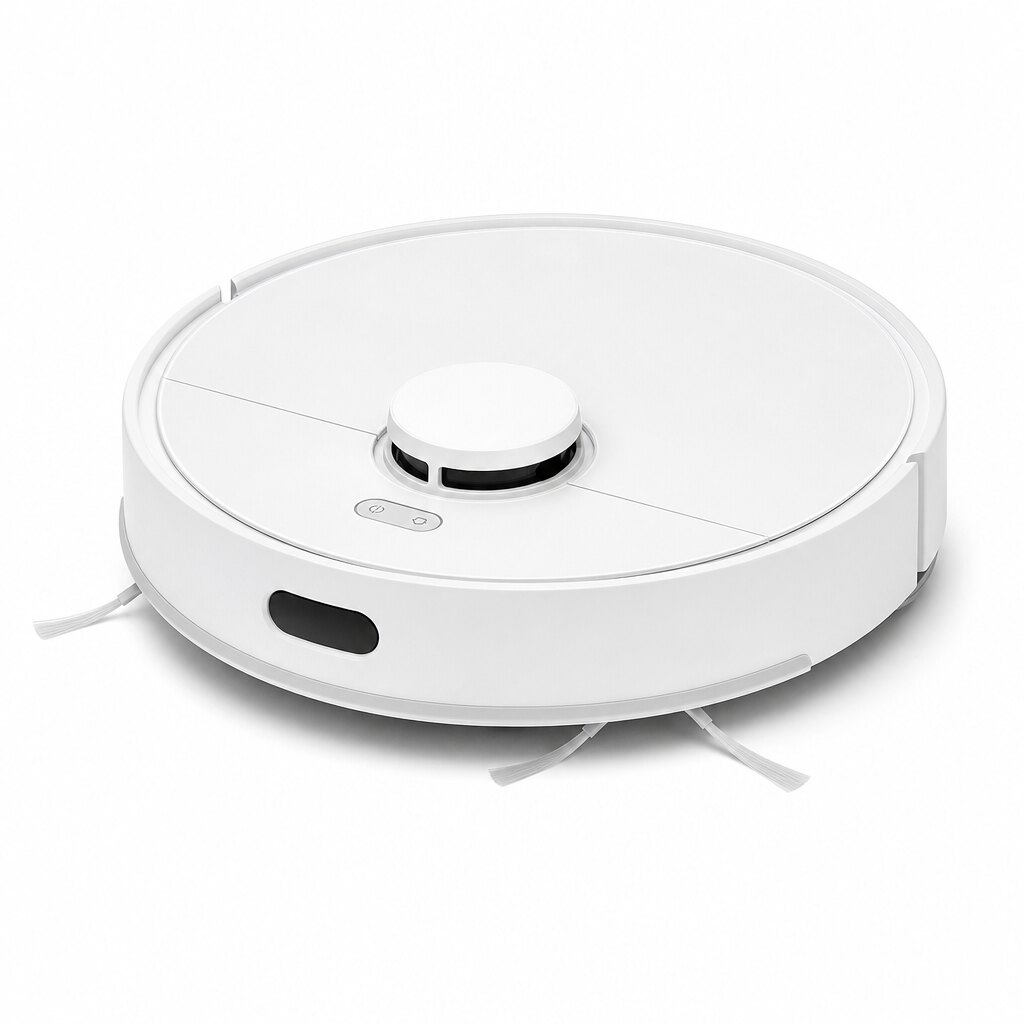
White robot vacuum

Robot vacuums and cordless sticks have replaced the old canister in many homes. They solve different problems, though, and the right choice depends on your floors, your pets and how involved you want to be.

When a robot vacuum makes sense

A robot keeps the floors tidy every day without you lifting a finger. Current models map the home with LiDAR, clean room by room and steer around cords and socks. Look for:

  • A self-empty dock, so you empty a bag every few weeks instead of a tiny bin every day.
  • Mopping if you have a lot of hard floors; the best models lift the mop pad on carpet.
  • Obstacle avoidance if pets or kids leave things on the floor.

Robots can’t do stairs, sofas or the car, and they need a few inches of clearance under furniture. See Robot Vacuums.

When a cordless stick is the better buy

A stick vacuum is grab-and-go: crumbs under the table, a muddy entryway, pet hair on the couch. Most convert into a handheld for stairs and upholstery. Check:

  • Run time: 40 minutes or more on the standard setting covers a typical home; a swappable battery helps in larger ones.
  • Weight: under 6 pounds is comfortable for cleaning above the floor.
  • Filtration: a sealed system with a HEPA-grade filter matters if anyone in the house has allergies.

See Cordless Stick Vacuums and, for the car and quick cleanups, Handheld Vacuums.

Pets change the math

Pet hair wraps around brush rolls. Look for anti-tangle brushes on both robots and sticks, and plan to vacuum more often in shedding season. That is exactly where a robot running on a schedule pays off.

Why many homes end up with both

The most common setup is a robot for daily upkeep and a cordless stick for stairs, spills and deep cleaning. If the budget allows only one, choose the robot for large, open floor plans and the stick for multi-level homes with lots of rugs and furniture.

Still want corded power?

For wall-to-wall carpet, an upright vacuum still gives the deepest clean for the money, and a canister vacuum is quieter and easier on hard floors and stairs.
Posted on

Front-Load vs. Top-Load Washers: Which One Fits Your Home?

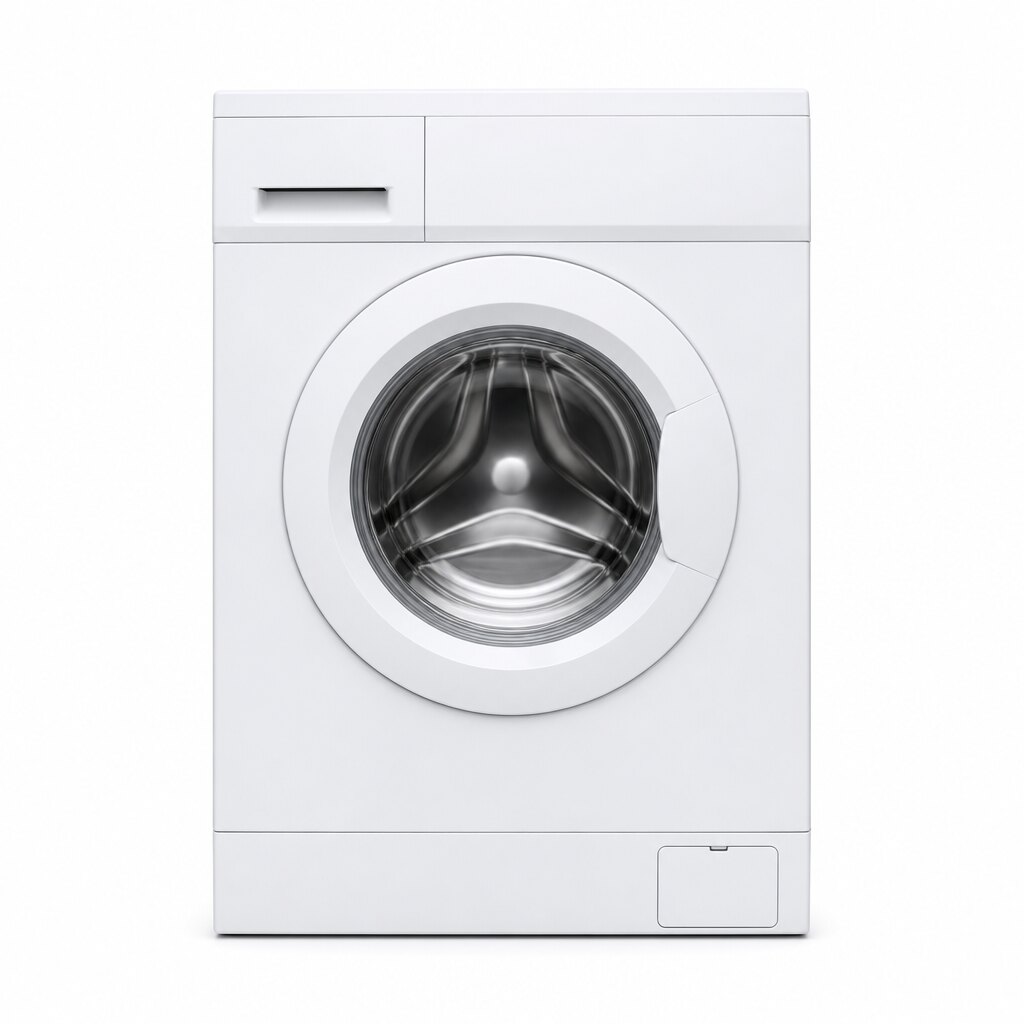
White front-load washer

Shopping for a new washer usually starts with one question: front-load or top-load? Both get clothes clean. The differences are in water use, how gentle they are, convenience and how much floor space you have.

Cleaning and fabric care

Front-load washers tumble clothes through a small amount of water, which is gentle on fabrics and very effective on stains. Top-loaders with an agitator scrub harder and run shorter cycles; impeller top-loaders sit in between and leave more room for bulky items. If you wash a lot of delicates or activewear, a front-loader is the safer bet.

Water and energy

A front-loader uses noticeably less water per load and spins faster, so clothes come out drier and the dryer runs for less time. Over the 10 to 13 years a washer usually lasts, that adds up on your utility bills.

Convenience

Top-loaders are easier on your back: there is no bending to load, and you can toss in a forgotten sock mid-cycle. Front-loaders can be raised on a pedestal or stacked with a dryer, the only option in a laundry closet.

Capacity

For a family of four, 4.5 cubic feet is the sweet spot; 5 cu. ft. and up takes a king-size comforter in one load. In a condo or apartment, a 24-inch compact washer with 2.2 to 2.4 cu. ft. fits under a counter or in a closet.

Maintenance

Front-loaders seal with a rubber gasket. Wipe it dry, leave the door ajar after washing and run a cleaning cycle once a month, and you will never notice a musty smell. Top-loaders need less attention.

What about all-in-one washer dryers?

Combo units wash and dry in the same drum: no transfer, no dryer vent. Drying takes longer than in a separate dryer, but in an apartment without a vent they are a game changer.

Our quick take

Don’t forget the matching dryer, and check whether your laundry room has a 240 V outlet for an electric dryer or a gas line for a gas model.

Posted on

How to Choose the Right TV Size for Your Room

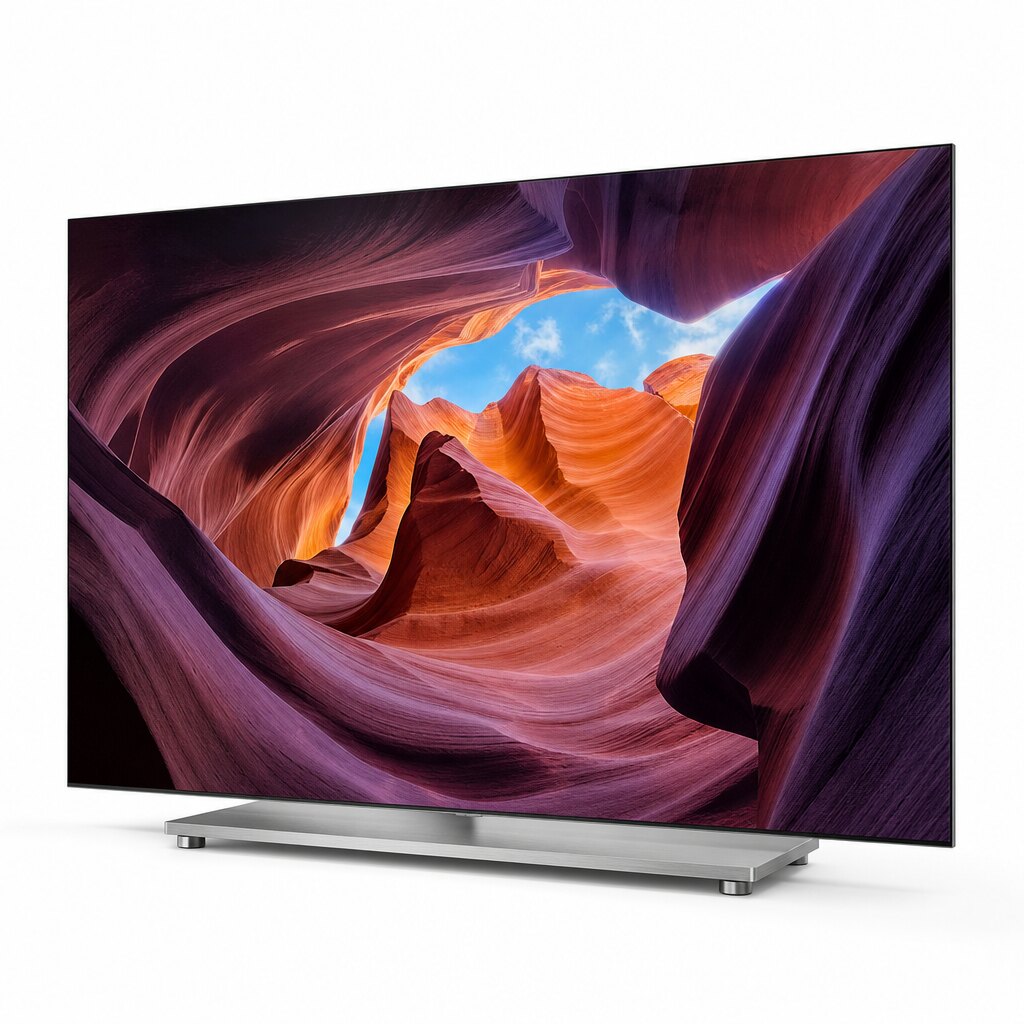
Frameless OLED TV on a pedestal stand

Most people who return a new TV don’t do it because the picture is bad. They do it because the screen is the wrong size, and almost always too small. Here is a quick way to get it right the first time.

Start with your viewing distance

Measure from the spot where you sit to the wall or stand where the TV will go. With 4K you can sit closer than you could with an old HD set, because you no longer see the pixels. A simple rule: divide the viewing distance in inches by 1.2 to 1.5, and you get a comfortable screen size.

Viewing distanceRecommended screen size
5 to 6 feet43″ to 50″
6 to 7 feet50″ to 55″
7 to 8 feet55″ to 65″
8 to 10 feet65″ to 75″
10 feet or more75″ to 86″

Torn between two sizes? Go bigger. It is the most common advice from people who have just upgraded, and it is hard to find anyone who regrets it.

Check the wall, the stand and the doorway

A 65-inch TV is about 57 inches wide, a 75-inch about 66 inches and an 85-inch about 74 inches. Make sure your media console is wide enough for the feet, which on some models sit near the edges, and that the box, several inches larger than the TV, will fit through your doors and stairwell.

Pick the panel type

  • LED 4K UHD: the best value, great for everyday TV, news and streaming. See 4K UHD TVs.
  • QLED and Mini-LED: brighter, with richer color; Mini-LED adds local dimming for deeper blacks. The pick for sunny rooms and sports. See QLED & Mini-LED TVs.
  • OLED: perfect blacks, wide viewing angles and the best picture for movie nights in a dim room. See OLED TVs.

Gamers: look for 120 Hz

Current consoles and gaming PCs can output 4K at 120 frames per second. To use it, you need a TV with a native 120 Hz or 144 Hz panel and HDMI 2.1 inputs; VRR and ALLM keep play smooth and responsive. Many budget TVs are 60 Hz: fine for movies, less so for fast shooters.

Don’t overpay for the smart platform

Tizen, webOS, Google TV, Roku and Fire TV all run the major streaming apps. Choose the one you already know, or the one that fits the rest of your home: Google TV pairs naturally with Android phones, Fire TV with Alexa. You can always add a streaming stick later.

Quick picks by room

  • Bedroom or kitchen: a 32- to 43-inch model from Small TVs or 4K UHD TVs.
  • Typical living room: 65 inches, QLED or Mini-LED.
  • Home theater or basement: 75 inches and up, Mini-LED or OLED.